Here's what you need to do to get a new plan recommendation through HeyMOE.
- Log into your HeyMOE account at https://app.heymoe.com/auth (or create an account if you do not have one).
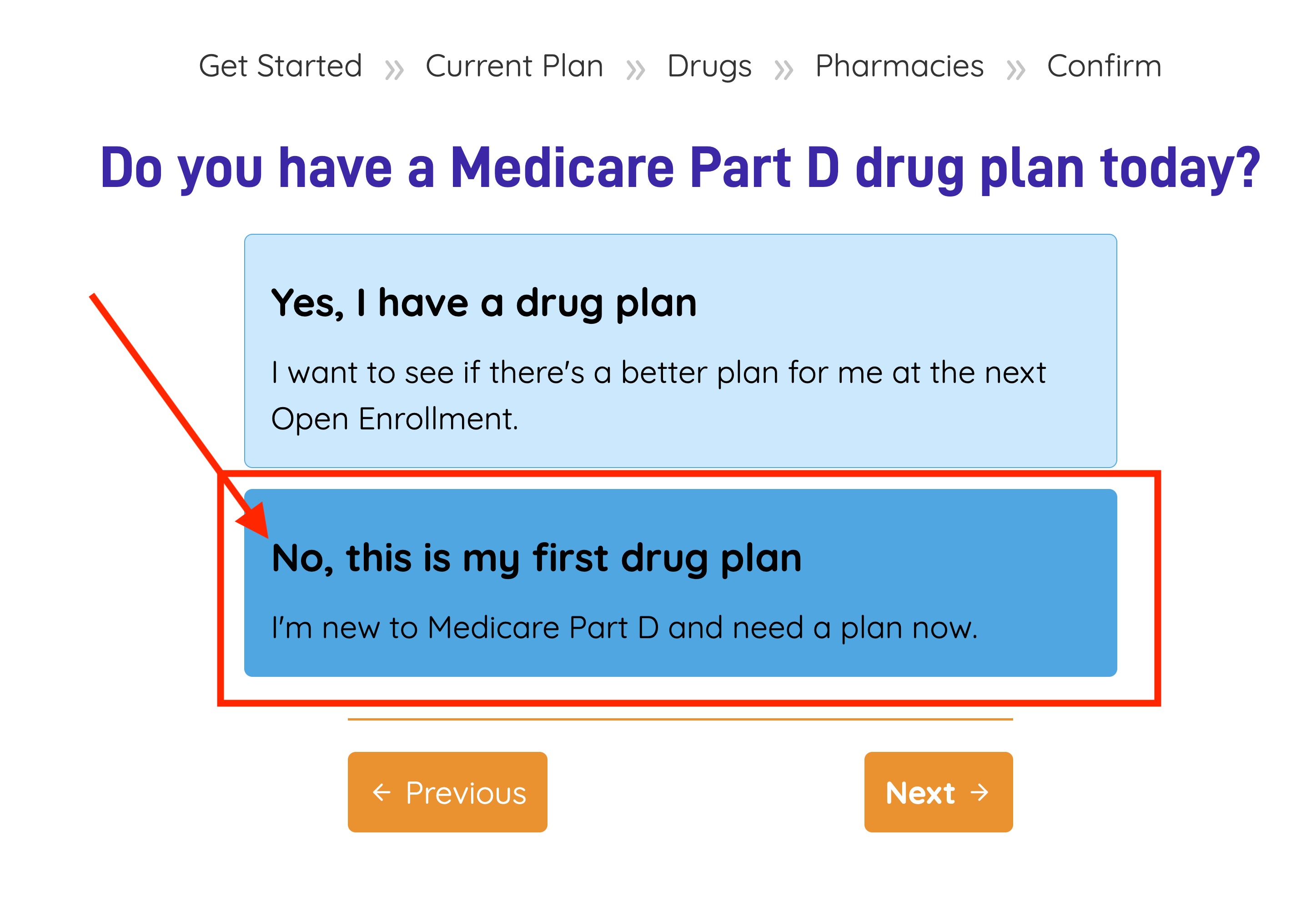
- Go through the standard steps of adding your information to your HeyMOE account, including zip code, prescription drugs, and preferred pharmacy. When you are asked"Do you have a Medicare Part D drug plan today?", answer "No, this is my first drug plan."
- Subscribe to HeyMOE to activate your account. (You can not get plan recommendations without an active subscription.)
*IMPORTANT: Once you get results, you may not get a refund of your initial subscription fee. But, you may cancel your subscription to keep from renewing. - HeyMOE will ask you to confirm all of the data you've entered and then provide you with results about which plan is the most cost-effective one for you.
- IMPORTANT— Take steps to enroll in the new plan. HeyMOE cannot and will not actually enroll you in a new plan. It can only tell you which plan is the most cost-effective one for you.
Was this article helpful?
That’s Great!
Thank you for your feedback
Sorry! We couldn't be helpful
Thank you for your feedback
Feedback sent
We appreciate your effort and will try to fix the article