To cancel your HeyMOE account, log into your account at app.heymoe.com.
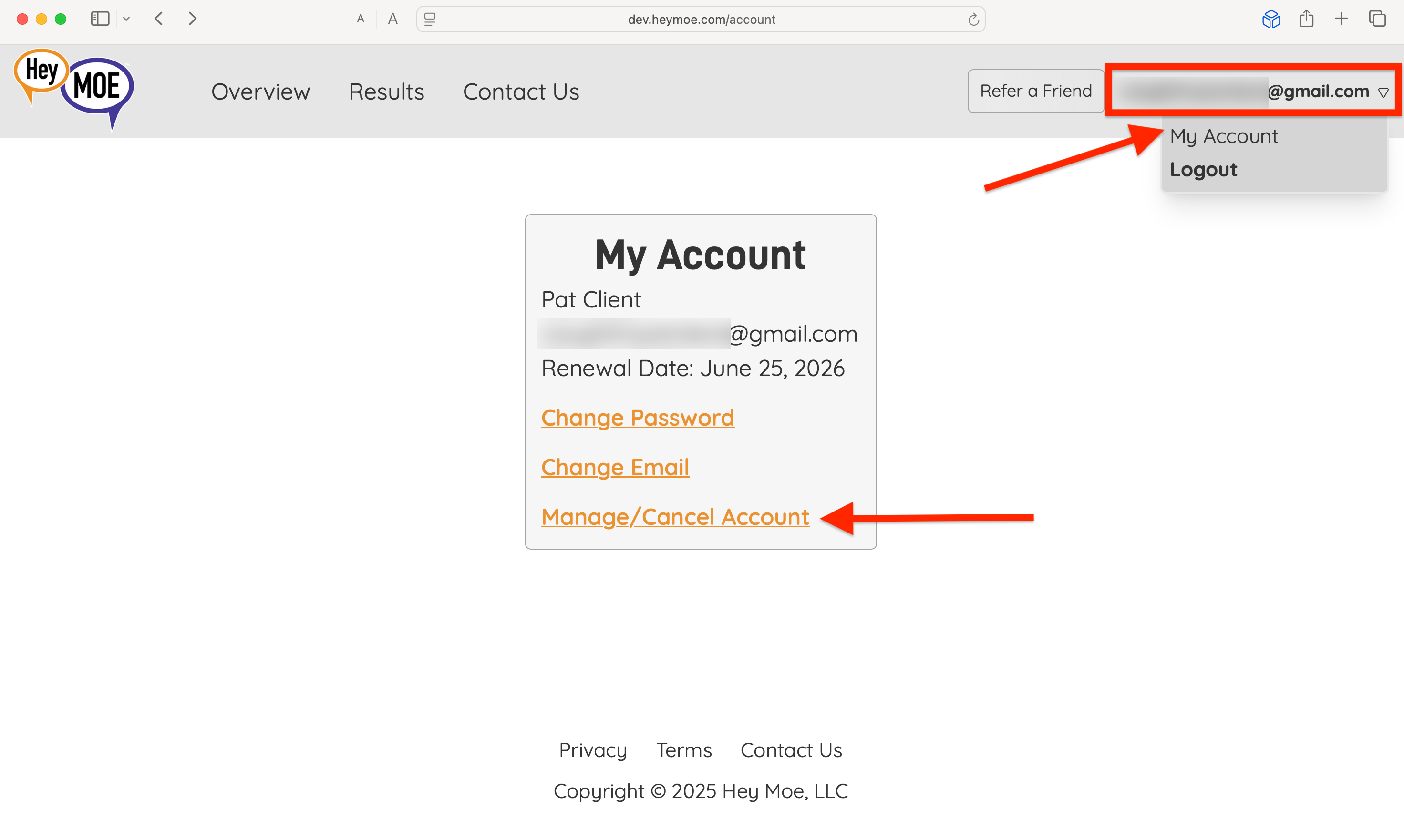
Once logged in, click on the user account icon upper-right corner. Then, click on "My Account." 
On the screen that pops up, click on the "Manage/Cancel Account" link.
From there, you'll be able to cancel your HeyMOE account, effective before your next renewal date.
Was this article helpful?
That’s Great!
Thank you for your feedback
Sorry! We couldn't be helpful
Thank you for your feedback
Feedback sent
We appreciate your effort and will try to fix the article